WhatsApp for business
WhatsApp Business app vs WhatsApp Business API in 2026: costs, limits and which one your team needs
Every week someone asks us: do we need the API, or is the normal WhatsApp Business app enough? The answer depends less on your size than on one thing: who starts the conversation.
In this article
The short answer. If one or two people answer customers who write to you first, the free WhatsApp Business app is enough. Once a team shares the number and you need to know who owns which chat, you need a CRM on top. Then pick the connection: link your normal number if your team only answers people, or use the official WhatsApp Business API if you want chatbots, campaigns or a verified business account.
The WhatsApp Business app: what it does well
The free app is genuinely good, and plenty of businesses never need more. You get a business profile, a catalogue, labels to sort chats, quick replies, a greeting and an away message. Messages cost nothing.
It also works on more than one device. The phone plus up to four linked devices, such as a laptop with WhatsApp Web, can use the same number. Meta Verified for business, the paid subscription, raises that to as many as ten on its higher tiers and adds a simple way to assign chats.
Where it starts to hurt
- No real ownership. Five people looking at the same list of chats isn’t a team inbox. Nobody knows who is handling the customer from this morning.
- Little history of who said what. When a customer complains about a price they were quoted, it’s hard to know who quoted it.
- The phone is the system. If that phone is lost, reset or leaves with an employee, so does a lot of your sales history.
- No reports. You can’t see reply times, workload per person, or how many quotes turned into bookings.
- Broadcast lists are limited. They only reach people who have saved your number, so they’re weak as a marketing tool.
The WhatsApp Business API: what actually changes
The API, which Meta calls the WhatsApp Business Platform, isn’t an app you download. It’s a connection that software uses. Your team works inside a CRM or inbox from a provider, and the provider talks to WhatsApp for you.
What you gain:
- Any number of team members on one number, each with their own login, through the CRM.
- Message templates, which let you write to customers outside the 24-hour window: payment reminders, booking confirmations, offers to customers who agreed to receive them.
- Chatbots and automatic replies are allowed.
- Campaigns to opted-in customers, with delivery and read reports.
- Click-to-WhatsApp ads that open a chat straight from Facebook or Instagram.
What you give up, traditionally: the number no longer works in the normal app. That changed in 2025. Meta now lets businesses connect a number that’s already on the WhatsApp Business app to the API and keep using both. Meta calls this coexistence. Chats are mirrored between the two, and up to six months of history can be synced. A few app features switch off, such as broadcast lists and disappearing messages, and not every provider supports it yet, so ask.
What the WhatsApp API really costs in 2026
There are two bills: Meta’s, and your provider’s.
Meta’s side: you pay per template, not per conversation
Since July 2025, Meta charges per delivered template message. The price depends on the message’s category and the customer’s country. According to Meta’s pricing documentation as of October 2026:
- Replies inside the customer service window are free. When a customer writes to you, a 24-hour window opens. Every normal (non-template) message you send in that window costs nothing.
- Utility templates inside that window are free too, such as a booking confirmation sent while the chat is open.
- Marketing templates are what you pay for. For Saudi numbers, a marketing message currently costs around five US cents. Utility and authentication messages outside the window cost about a cent. Rates change by country and over time, so check Meta’s current rate card.
- Click-to-WhatsApp ads open a 72-hour window in which every message is free, if you reply within 24 hours.
You may see claims online that Meta now charges for every reply. Meta’s own pricing documentation says otherwise, so trust the source over the summary.
A worked example
Take an Umrah agency whose customers start 3,000 conversations a month. The team answers all of them inside 24 hours: $0 to Meta. Then the agency sends two offers a month to 2,000 past customers who opted in, which is 4,000 marketing templates at roughly five cents: about $200 a month to Meta. The lesson: on the API, conversations are cheap and campaigns are what you pay for.
The provider’s side
On top of Meta, your inbox or CRM charges a monthly fee, usually per team member or per plan. Some providers also add a markup on every Meta message. Ask for the total at your real team size and real volume, not the headline price.
The third option: linking your normal number to a CRM
There is a middle path many businesses use without knowing it has a name. WhatsApp’s own Linked Devices feature lets a computer use your number. Some CRMs, Travora Hub included, connect through that link by scanning a QR code. Your team then works your existing number from a shared inbox, while the phone keeps working as normal.
The appeal is obvious: no Meta fees, no templates, no 24-hour rules, no migration.
The honest catch is that this is not Meta’s official business integration. WhatsApp bans numbers that send automated or bulk messages from normal accounts, and it’s strict about it. So a QR-linked number has to be treated as people only: no chatbot, no auto-replies, no campaigns. It’s the same number, just answered by your team from a better screen.
That’s exactly how we run it. In Travora Hub, the bot and campaigns can’t be switched on for a QR-linked number at all. Every message waits for a person, who gets a notification and an assignment.
It’s a good fit for a team answering customers who write first. It’s the wrong fit for marketing broadcasts or a 24/7 bot. For those, use the API.
Side by side
| WhatsApp Business app | Normal number linked to a CRM (QR) | WhatsApp Business API | |
|---|---|---|---|
| Cost from WhatsApp | Free | Free | Per template message; replies within 24h free |
| Team members | Phone + 4 devices (up to 10 with Meta Verified) | Your whole team, each with a login | Your whole team, each with a login |
| Assignment, notes, stages | Labels only | Yes, in the CRM | Yes, in the CRM |
| Reports | No | Yes | Yes |
| Chatbot and auto-replies | Greeting and away message | No (people only) | Yes |
| Campaigns | Broadcast lists (saved contacts only) | No | Yes, to opted-in customers |
| Keep using the phone app | Yes | Yes | Yes, with coexistence (where supported) |
| Best for | 1–2 people | Teams answering incoming chats | Teams that automate or market |
How to choose: three real setups
A two-person Umrah office
About thirty chats a day, all from customers who found the number on Google or from friends. Stay on the app, use labels, and save your packages as quick replies. Revisit when you hire a third person.
An agency with eight people and three numbers
Chats arrive all day on a main line, an Umrah desk and a visa number. The problem is ownership, not automation. Put a CRM on top and link the numbers you already have. Everyone works one inbox, the manager sees what’s unanswered, and the WhatsApp bill stays at zero.
An agency running Click-to-WhatsApp ads and seasonal offers
Thousands of new leads a month from ads, a bot to qualify them at night, and offers to past customers before Ramadan and Hajj season. Use the official API, at least for the number that runs ads and campaigns. Budget for marketing templates, and keep a QR-linked number for people-only service if it suits you.
These aren’t exclusive. Many teams run one official number for marketing and one or two normal numbers for day-to-day service, all in the same inbox. For a travel-specific view of the CRM side, see WhatsApp CRM for travel agencies.
How Travora Hub handles both
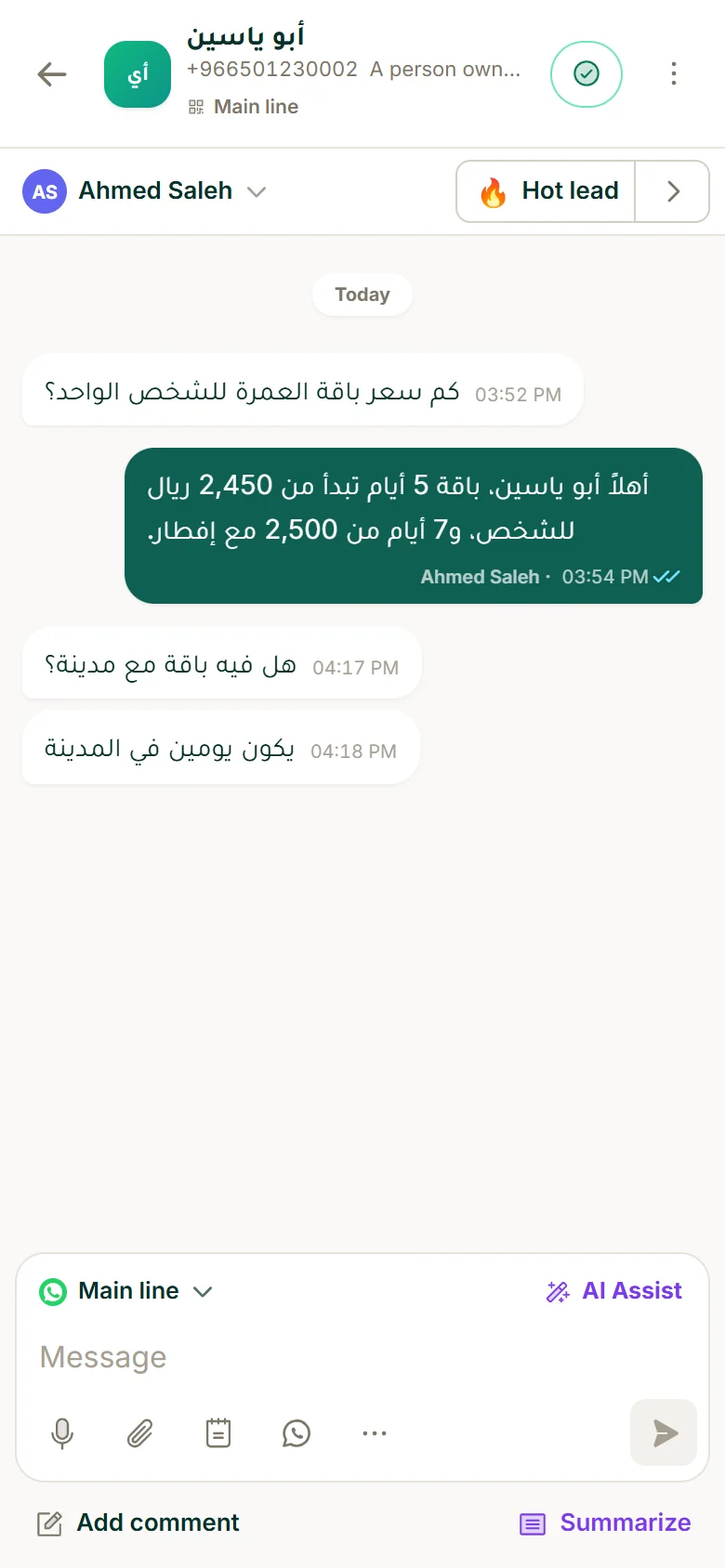
Travora Hub CRM puts both kinds of number in one inbox. Official API numbers get the bot, campaigns and templates. QR-linked numbers are kept people-only, with assignment and notifications so nothing waits. Every chat shows which number it came in on, and the reply goes out from the same one.
Plans start at $49 a month, with a 7-day free trial and no card. Meta bills API messages to you directly, with no markup from us.
Questions people ask
Is the WhatsApp Business API free?
How much does a WhatsApp marketing message cost in Saudi Arabia?
Can I use the WhatsApp Business app and the API on the same number?
How many people can use one WhatsApp Business app number?
Is linking a normal WhatsApp number to a CRM by QR code allowed?
What is the 24-hour customer service window?
هذا المقال بالعربية: الفرق بين واتساب للأعمال وواتساب API في 2026: التكلفة والحدود وأيهما يناسب فريقك